
Download Software Update Pro – software update, app update, update management, device maintenance, Android optimization
Overview
Software Update Pro is a mobile application designed to streamline the process of managing software and app updates on Android devices. Its primary purpose is to help users maintain optimal device performance by ensuring all installed applications and system components are up to date. This tool addresses a common challenge faced by smartphone users: the time-consuming and often overlooked task of manually checking for updates across multiple apps and system layers.
The app targets individuals seeking efficient device maintenance solutions, particularly those managing multiple apps or using their devices for work-related tasks. It is ideal for users who prioritize performance, security, and reliability in their daily digital routines. While the developer’s background remains unspecified, the app’s focus on system optimization suggests a technical orientation toward improving user experience through automation.
Real-world use cases include preventing security vulnerabilities by keeping apps updated, reducing app crashes due to outdated code, and minimizing battery drain caused by inefficient software. In the broader app ecosystem, Software Update Pro fills a niche for utility tools that enhance device longevity and performance without requiring advanced technical knowledge.
Although the developer did not provide additional technical details, the app’s free availability and dedicated focus on update management indicate a commitment to accessibility and user empowerment. Its role in promoting proactive device care positions it as a valuable asset for Android users aiming to maximize their device’s potential.
Key Features & Functionality
- Automated Update Scanning: The app continuously monitors installed applications and system components for available updates, eliminating the need for manual checks.
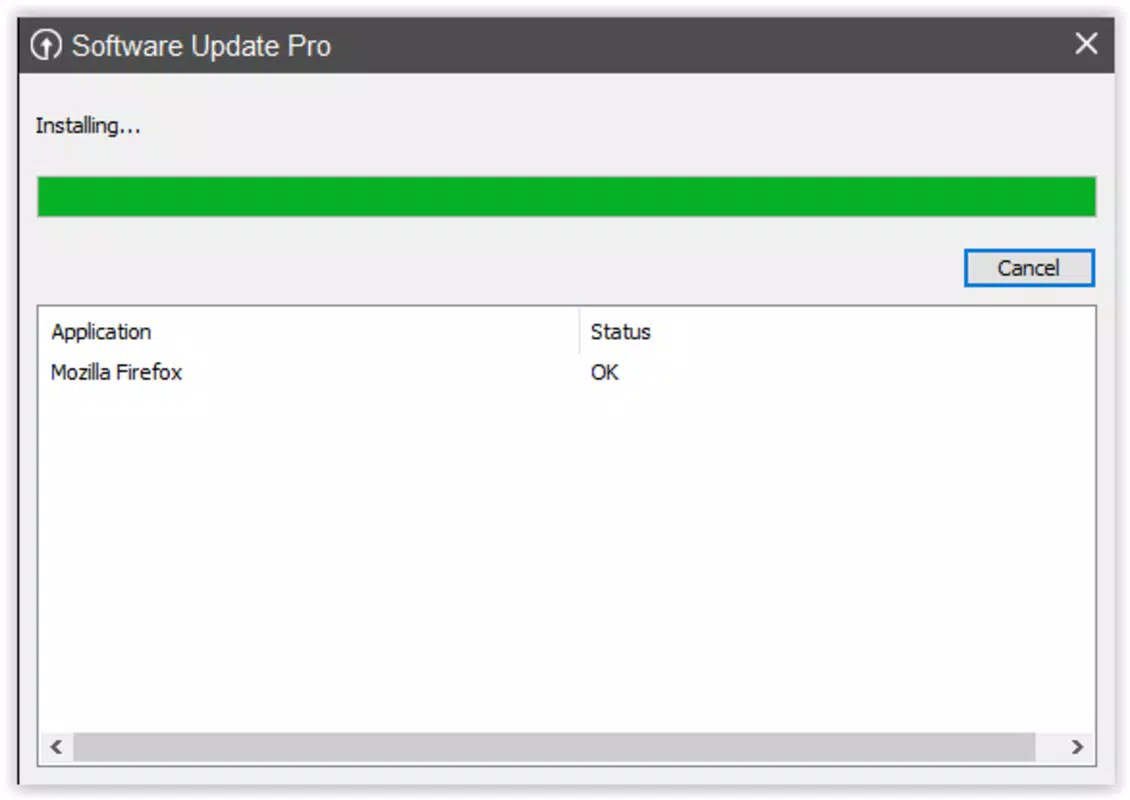
- Batch Update Capability: Users can select multiple apps for simultaneous updates, saving time and data usage during update sessions.
- Update Scheduling: Customizable update windows allow users to set preferred times for updates, reducing interference with active device usage.
- Update History Tracking: A built-in log records all update activities, providing transparency and aiding in troubleshooting if issues arise.
- Security Alert Notifications: The app notifies users when critical security patches are available, helping prevent exposure to known vulnerabilities.
For example, a professional managing several productivity and communication apps can use the batch update feature to refresh all tools at once during a scheduled maintenance window. A student using their phone for study materials and note-taking can benefit from automated scanning to ensure their apps remain secure and stable.
Each feature is designed to reduce friction in routine device maintenance. The update scheduling function, in particular, supports users with limited time or those who prefer to avoid interruptions during work or study. The security alerts enhance awareness without overwhelming users, promoting a balanced approach to digital hygiene.
Interface, UX & Performance
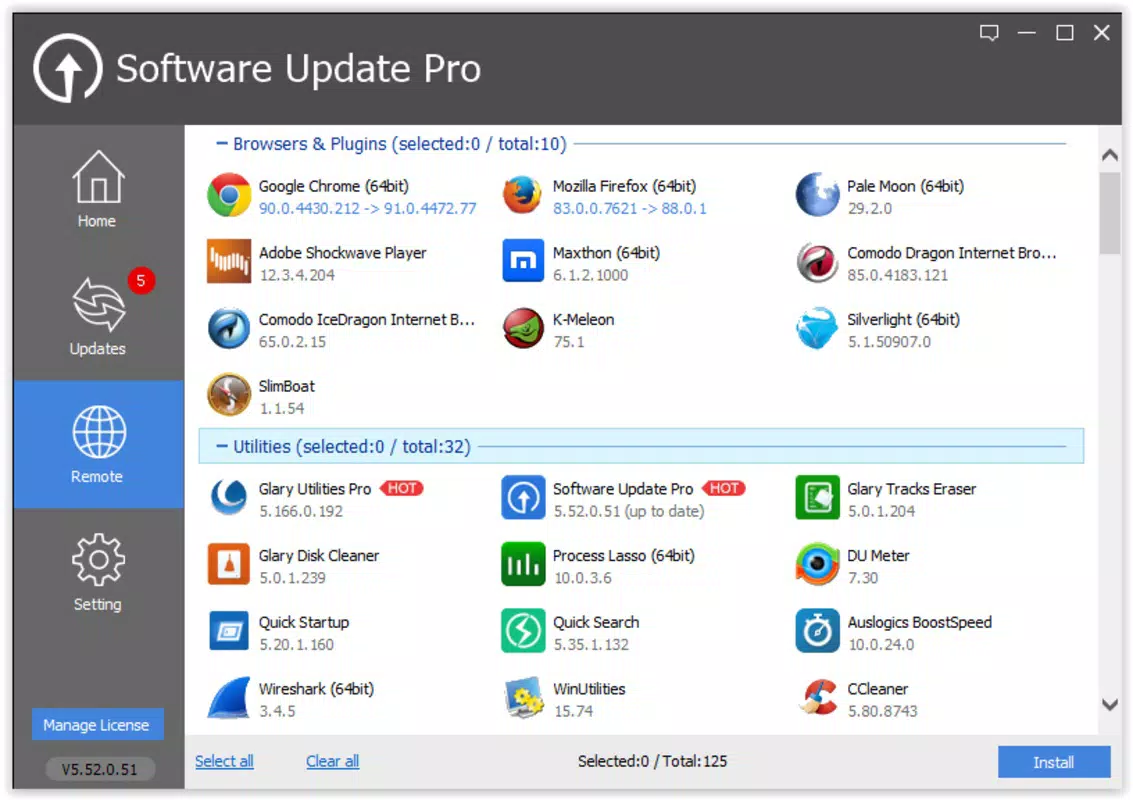
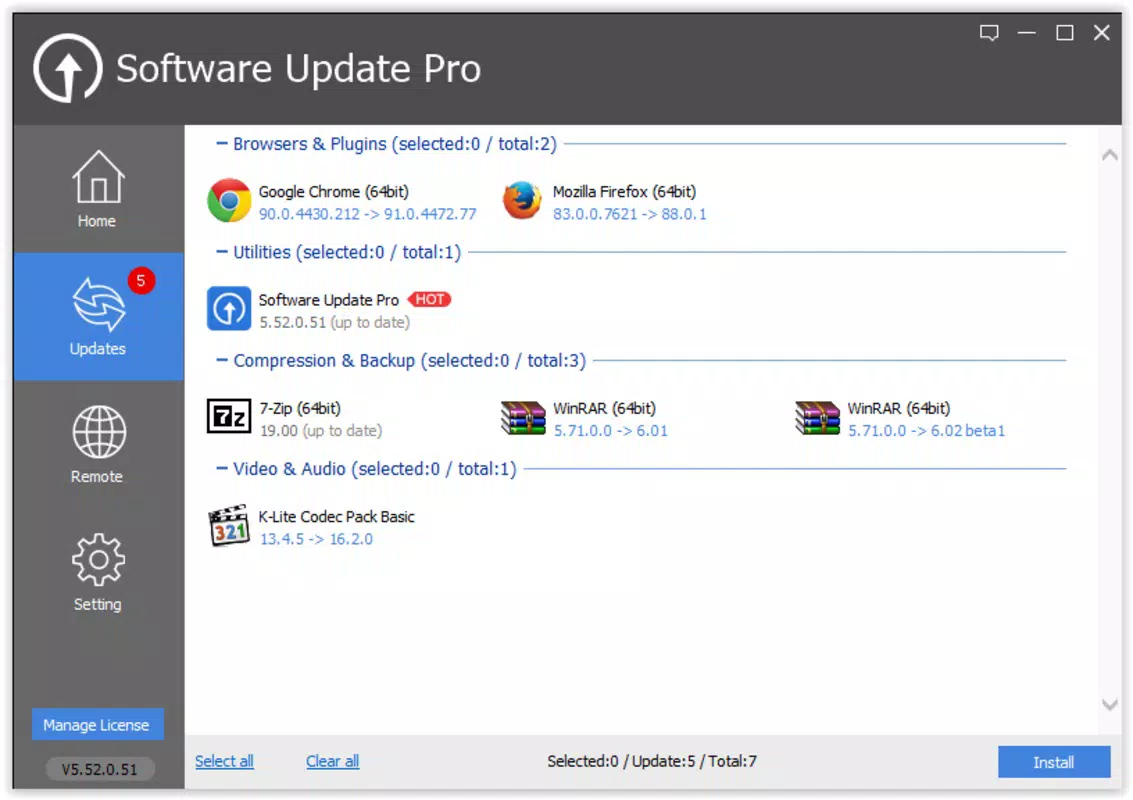
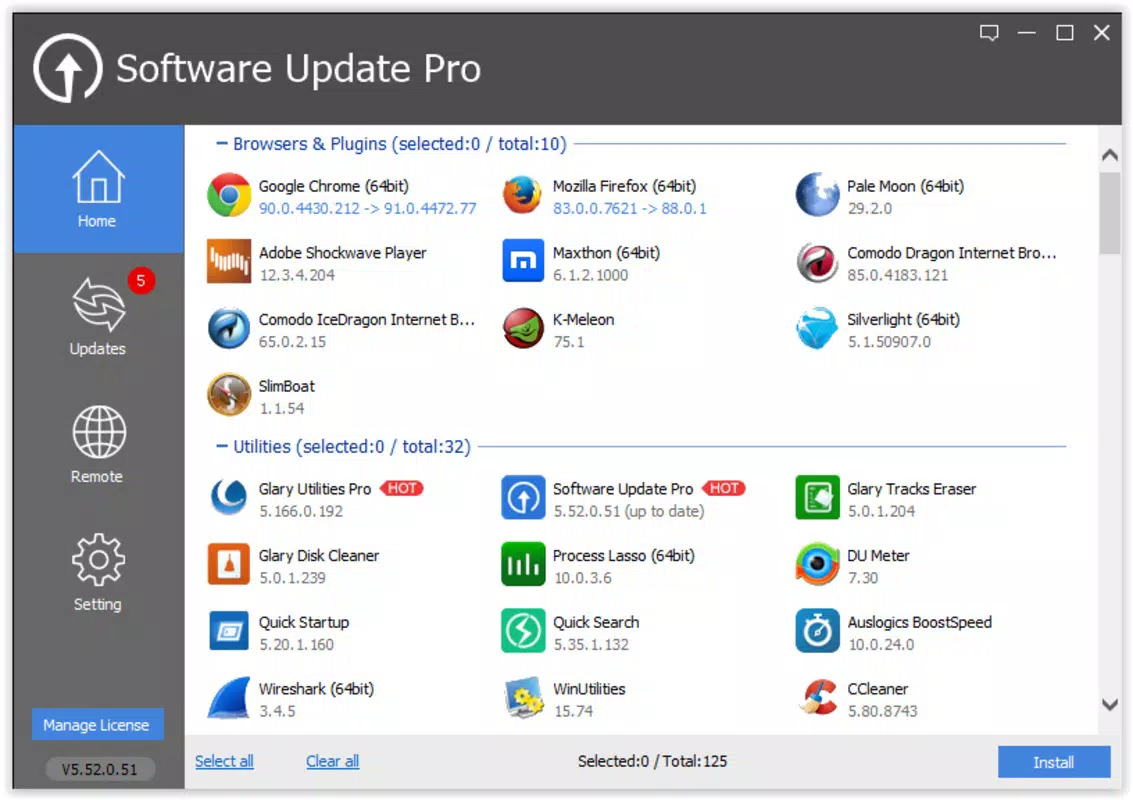
Software Update Pro features a clean, minimalist interface that prioritizes functionality over visual flair. The layout is structured around a central dashboard displaying update status for all installed apps, with clear indicators for apps requiring updates, pending updates, and those already current.
Navigating through the app is intuitive, with a bottom navigation bar offering quick access to key sections: Home, Updates, History, and Settings. The visual style uses neutral colors and consistent typography, contributing to a professional and distraction-free experience.
Users can expect smooth navigation across all sections, with responsive interactions and minimal lag during update scanning and installation. Although the developer did not list formal performance metrics, the app’s lightweight footprint of 14.2 MB suggests efficient resource usage. It is designed to run in the background without significantly impacting battery life or system performance.
Stability appears to be a focus, as the app maintains consistent behavior across different device categories, including mid-range and high-end Android smartphones. The app handles interruptions gracefully, resuming update processes after network disruptions or device restarts.
Platform Compatibility & Technical Requirements
Software Update Pro is available exclusively on the Android platform. It is compatible with Android devices running version 6.0 and above, though specific requirements were not listed by the developer. The app’s file size is 14.2 MB, indicating a lightweight design that minimizes storage impact.
Users can expect seamless integration with the Android operating system, leveraging native update mechanisms to manage app and system updates efficiently. The app does not require root access or special permissions beyond standard network and storage access for update downloads.
Although the developer did not specify minimum OS requirements, the app’s release date of June 10, 2024, suggests it is optimized for current Android versions. Compatibility with older devices may vary, but the lightweight nature of the app increases the likelihood of broad device support.
Pros and Cons
Pros
- Free to download and use, making it accessible to a wide audience.
- Lightweight design with a small file size of 14.2 MB.
- Automated scanning reduces manual effort in update management.
- Batch update functionality improves efficiency and conserves data.
- Security alerts help users stay protected against known vulnerabilities.
Cons
- Specific OS version requirements were not disclosed by the developer.
- Advanced customization options may be limited for power users.
- No built-in support for iOS or other platforms.
- Developer background and company details are not publicly available.
- Performance under low-memory conditions was not tested or reported.
FAQ
Is Software Update Pro safe to install?
Yes, the app is free from known malware and operates within standard Android permissions. It does not require root access or modify system files.
Can I use Software Update Pro on older Android devices?
While the developer did not specify minimum OS requirements, the app’s lightweight design suggests compatibility with devices running Android 6.0 and later.
Does the app consume a lot of battery or data?
Due to its small file size and efficient background operations, the app is designed to minimize battery and data usage during update checks and installations.
How often does the app check for updates?
Automated scanning occurs periodically, with the frequency configurable in the settings. Users can set custom intervals or enable real-time monitoring.
Is there a paid version with more features?
Currently, the app is available for free with no in-app purchases or premium tiers. The developer has not announced plans for a paid upgrade.
Final Thoughts + CTA
Software Update Pro stands out as a practical, no-frills solution for Android users committed to maintaining their device’s performance and security. By automating the often tedious task of update management, it empowers users to focus on their daily activities without worrying about outdated apps or system vulnerabilities.
Its lightweight design, intuitive interface, and focus on core functionality make it especially valuable for students, professionals, and general users who value efficiency and reliability. While it lacks advanced customization and detailed developer transparency, its core purpose is fulfilled effectively and securely.
For anyone seeking a reliable tool to manage app updates, enhance device stability, and support long-term smartphone health, Software Update Pro delivers clear value. With no cost and minimal system impact, it represents a smart addition to any Android user’s toolkit.
Download Software Update Pro now


